How to Choose a Computer Monitor (2025): Everything You Need to Know
How to Choose a Computer Monitor (2025): Everything You Need to Know
As technology continues to advance, choosing the right computer monitor can be a daunting task. With so many options...
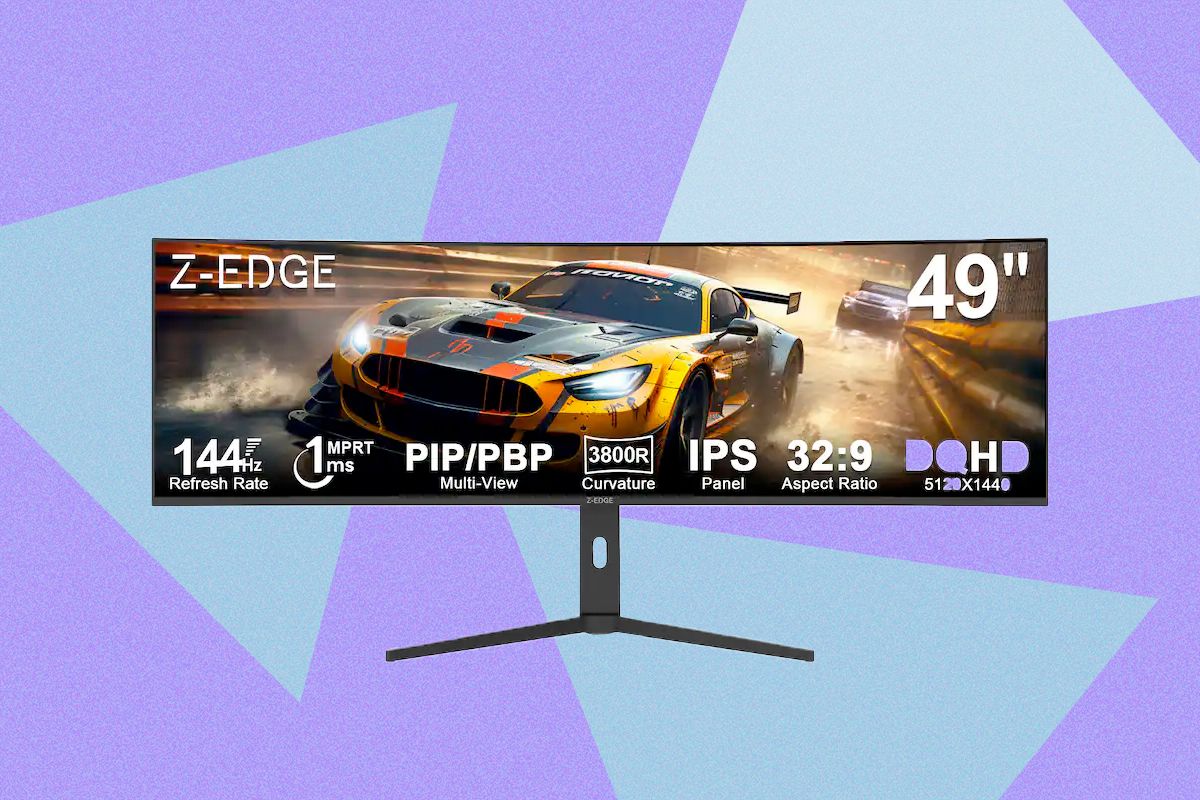
How to Choose a Computer Monitor (2025): Everything You Need to Know
As technology continues to advance, choosing the right computer monitor can be a daunting task. With so many options available on the market, it’s important to understand what factors to consider before making a purchase.
Resolution is one of the most important aspects to consider when choosing a computer monitor. The higher the resolution, the clearer and sharper the image will be. In 2025, 4K and even 8K monitors are becoming more common, offering unparalleled image quality.
Size is another important factor to consider. A larger monitor can provide a more immersive viewing experience, but it also takes up more space on your desk. Consider the size of your workspace and how far you typically sit from your monitor when making a decision.
Refresh rate is also crucial, particularly if you are a gamer or work with fast-paced graphics. A higher refresh rate means smoother motion and less blur on the screen. Look for monitors with at least a 60Hz refresh rate, but if you’re a serious gamer, consider one with 120Hz or higher.
Connectivity options are also important to consider. Make sure the monitor has the ports you need to connect your computer, such as HDMI, DisplayPort, and USB-C. Some monitors even offer built-in USB hubs or card readers for added convenience.
Panel type can also make a difference in the overall viewing experience. There are three main types of panels: TN, IPS, and VA. TN panels are the most common and affordable, but they typically have poorer color reproduction and viewing angles. IPS panels offer better color accuracy and viewing angles, making them ideal for graphic design or video editing. VA panels fall somewhere in between, offering good contrast ratios and response times.
Consider the ergonomics of the monitor as well. Look for a monitor with adjustable height, tilt, and swivel options to ensure a comfortable viewing experience. Some monitors even offer pivot options for vertical viewing, which can be useful for coding or reading long documents.
Finally, consider any additional features that may be important to you. Some monitors offer built-in speakers, HDR support, or even built-in webcams. Think about your needs and how you plan to use the monitor before making a decision.
By taking all of these factors into consideration, you can choose a computer monitor that best fits your needs and budget in 2025. Stay informed on the latest technology trends and advancements to make the best decision for your setup.